


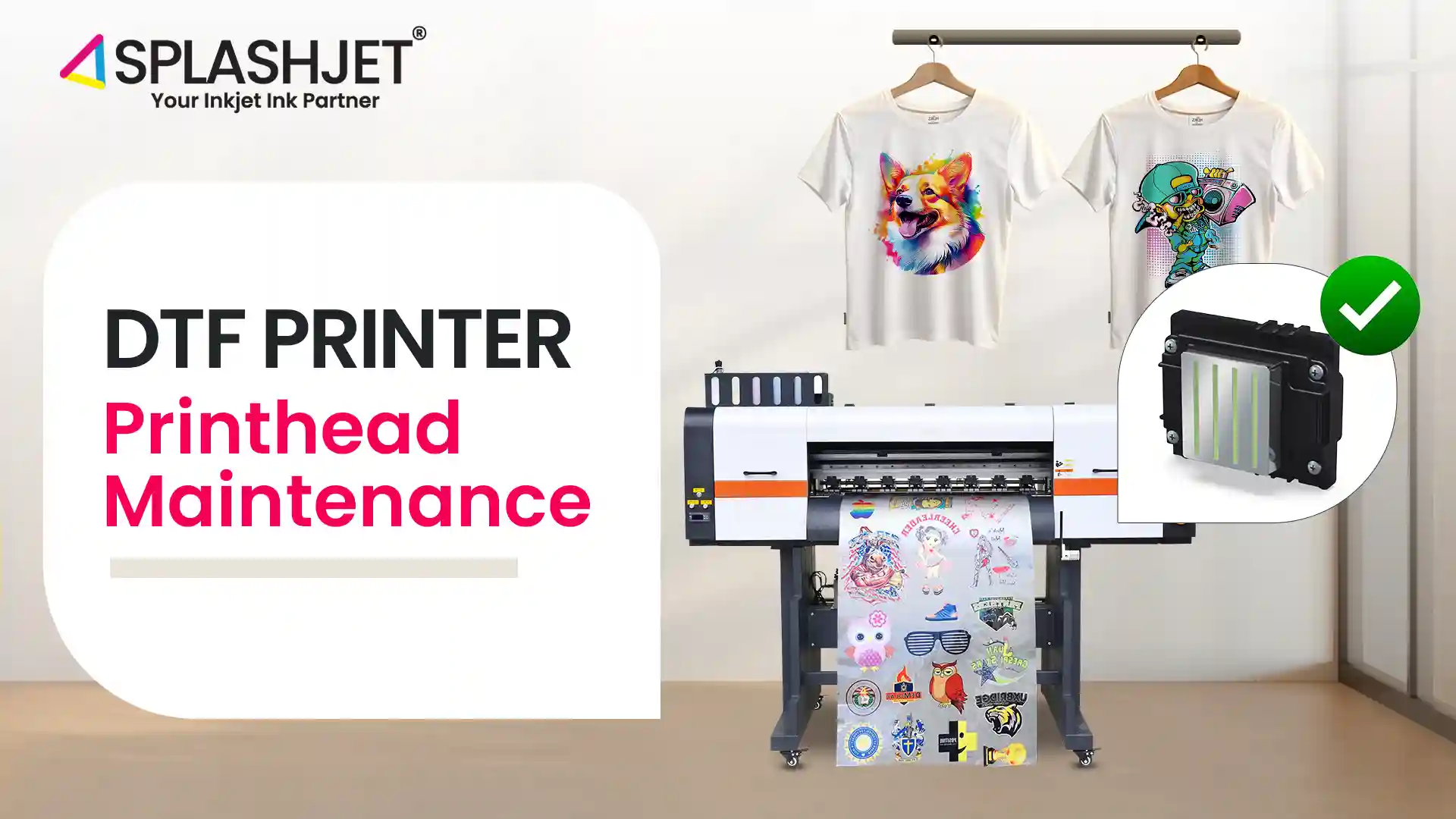
Have you ever wondered why your DTF printer sometimes gives inconsistent prints? Or why does your printer’s performance seem to dip over time? – The secret lies in proper DTF Printhead Maintenance!
While DTF printing opens up incredible possibilities, especially for creating stunning custom-design items, neglecting your printer maintenance cycle can lead to clogs, uneven results, or even damage to your printhead.
Now maintaining your DTF printer doesn’t have to be complicated. This guide will provide tips to ensure every print is flawless. Let’s begin!
Factors to be considered:
Proper maintenance of your DTF printer’s white ink, nozzles, capping station, wiper blade, and damper is essential for optimal performance. Regular attention to these components ensures consistent print quality and extends the lifespan of your printhead.
White Ink Maintenance
The white ink contains excess pigment particles compared to the other colors and is considered thick, which can cause the particles to settle at the bottom if left stationary for a long period. These white inks need to maintain substantial consistency for proper coverage over black and dark fabrics to create a solid base for other colors to appear vibrant.
To achieve optimal results with your white ink, you need to ensure the following points:
- Shake the white ink bottle thoroughly before use to ensure proper mixing and consistency.
- Perform routine maintenance, such as nozzle checks and cleaning, to maintain smooth and consistent ink flow.
- If you haven’t used the printer for a long time, remove the white ink to prevent it from settling.
- For proper white ink circulation, ensure the ink tank is filled to at least half (½) to allow the ink to be properly stirred
Nozzle Maintenance
Proper nozzle maintenance is crucial for achieving optimal performance and maintaining substantial consistency for proper coverage in DTF printing. While printing or in an idle state small amounts of pigment particles may dry at the nozzle and can cause nozzle clogging. Thus, regular checks and cleaning can effectively prevent this issue.
Nozzle maintenance not only ensures high-quality prints but also extends the lifespan of your DTF print head. To remove such clogs, you can perform the nozzle cleaning function available in most DTF printers. If you are still facing issues after performing the nozzle cleaning function, follow these steps.
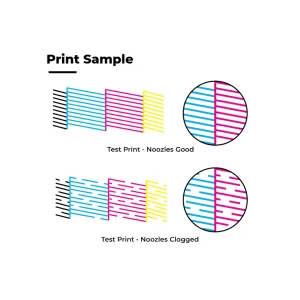
Step 1: Check the nozzle pattern:
If you notice any of the following, proceed to step 1
- Missing or faded lines
- Banding or streaks
- Gaps or irregularities in the pattern
Step 2: Head Cleaning:
Perform head cleaning using a suitable cleaning solution. If you continue to experience clogged nozzles, move on to Step 3.
Note: Repeat the cleaning process if necessary. Ensure the nozzles are thoroughly cleaned and completely dry before using the printer.
Step 3: Resting on the Capping Station:
Spray transfer solution on the capping station to dissolve dried ink and rest the nozzle on the capping station.
Note: To effectively address printhead clogs, consider the following Splashjet solutions based on severity:
- Mild Clogging: Use Splashjet-EP-Transfer-Ink Solution to gently flush and clear minor blockages.
- Moderate & Severe Clogging: Apply Splashjet Dr. Clean Solution for persistent clogs to effectively dissolve ink residues and restore heavily clogged printheads.
Capping Station Maintenance
Apart from nozzle maintenance, attention must be given to the capping station. The capping station covers the nozzles when the printer is not in use, preventing them from drying out and environmental dust.
A damaged or worn-out capping station can cause ink leakage or improper sealing affecting print quality.
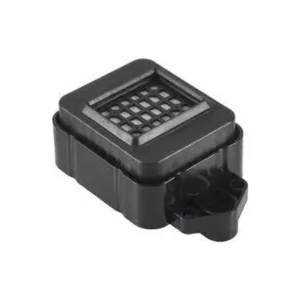
Steps to clean the capping station:
- Regularly clean excess white ink and debris from the capping station.
- Before shutting down your printer, apply 1-2 ml of decapping solution to the white head to keep the capping station mildly moist and prevent ink from drying out.
- Clean the capping station every 2-3 days using a suitable cleaning solution.
Wiper Blade Maintenance
It wipes excess ink from the printhead, ensuring clean and consistent droplet firing from the head. Over time, the wiper blade can accumulate dried ink and debris hindering its functionality. Regular cleaning or replacement of the wiper blade is necessary to prevent ink smearing and maintain optimal print quality.
Damper Maintenance
Dampers are essential components in DTF printers and are responsible for ensuring a consistent ink flow from the ink tanks to the printhead. They regulate pressure and prevent air bubbles from entering the system, which could disrupt printing.
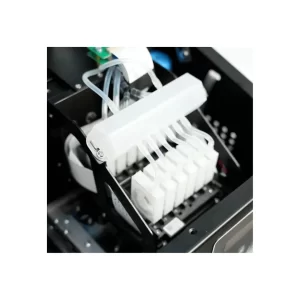
Over time, some ink may remain in the dampers, leading to clogging. Additionally, a clogged printhead can cause increased pressure, which may result in damper failure.
To maintain smooth ink flow and avoid blockages or leaks, it is recommended to replace the dampers every few months as part of routine printer maintenance.
Conclusion:
In conclusion, proper printhead Maintenance of a DTF printer is crucial for achieving consistent, high-quality prints. Routine maintenance of the white ink system, nozzles, capping station, wiper blade, and dampers are all important steps in maintaining a healthy and efficient DTF printing system. By following these key points on DTF printer maintenance, you can prolong the lifespan of your printer and maximize its performance, ultimately benefiting your textile printing business.






This Post Has 3 Comments
Pingback: 5-Tips For Textile Printer Maintenance – Splashjet-lnk
Pingback: Capping Station Maintenance: Key To Flawless Textile Printing – Splashjet-lnk
Pingback: DTF Printing: The Ultimate Guide for Flawless Printing – Splashjet-lnk